

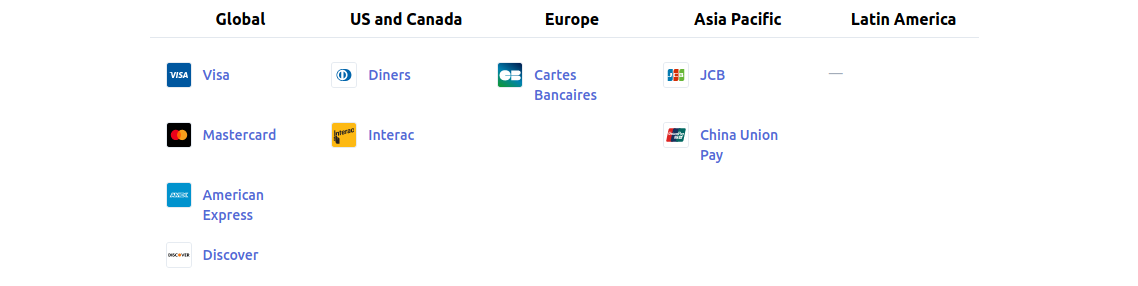
Pay with major credit cards. Supported card types:
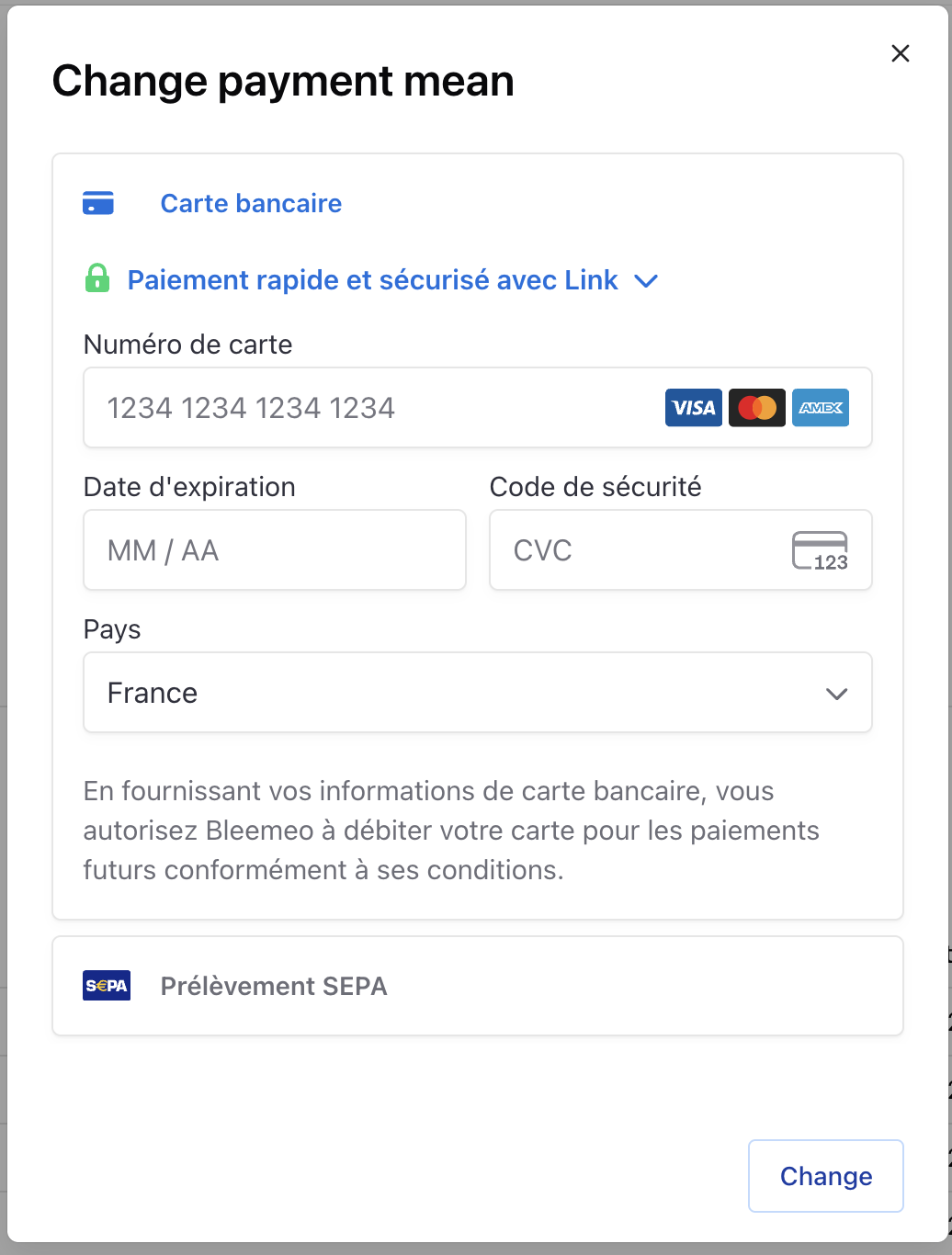
To add a credit card:
- Go to Payment settings
- Click Add Credit Card
- Enter your card details
- Save
Currency options: Choose between Euro (€) or US Dollar ($) in your account settings.
Bleemeo supports multiple payment methods to suit your billing preferences. Add a payment method in the Payment settings.
Pay with major credit cards. Supported card types:
To add a credit card:
Currency options: Choose between Euro (€) or US Dollar ($) in your account settings.
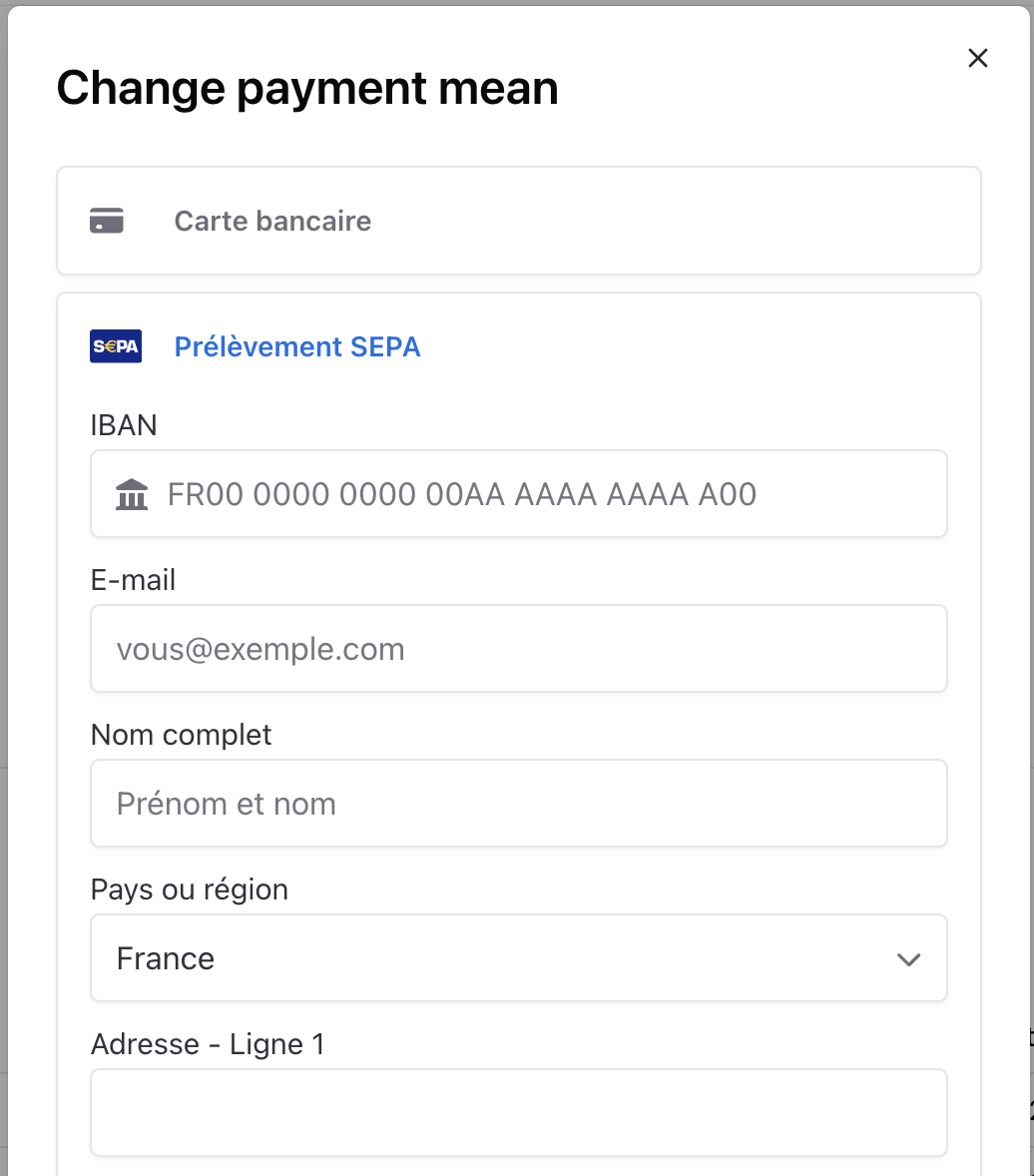
For European bank accounts, you can set up SEPA (Single Euro Payments Area) direct debit. This allows automatic payments from any EUR-denominated bank account in the SEPA region.
To add SEPA direct debit:
For organizations that prefer traditional bank transfers, contact our support team to set up payment by wire transfer.
This option is typically used for: