

Uptime Reports
StarterWeekly reports only
ProfessionalWeekly and monthly reports
Reports provide a periodic summary of the status of your monitors, including availability, response times, and downtime incidents.
Creating a Report
Section titled “Creating a Report”On the monitor reports page, create a report by specifying:
- An optional description
- A period (weekly or monthly)
- Whether the report is active (enabled for sending)
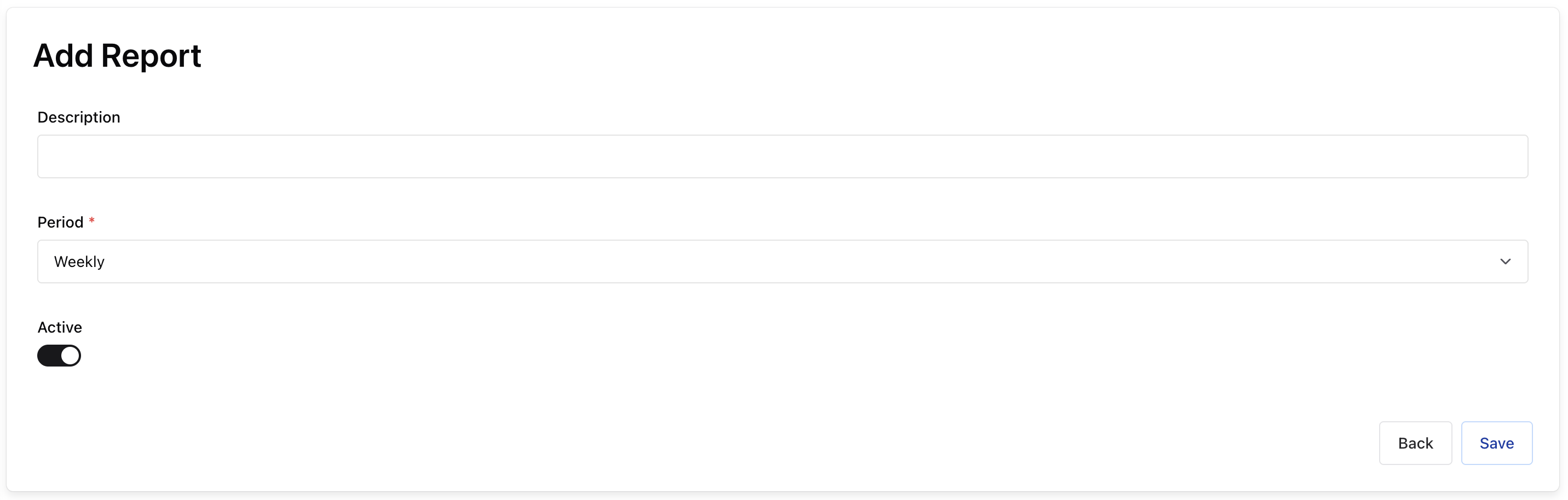
Once created, add one or more SLOs to define what the report should track.
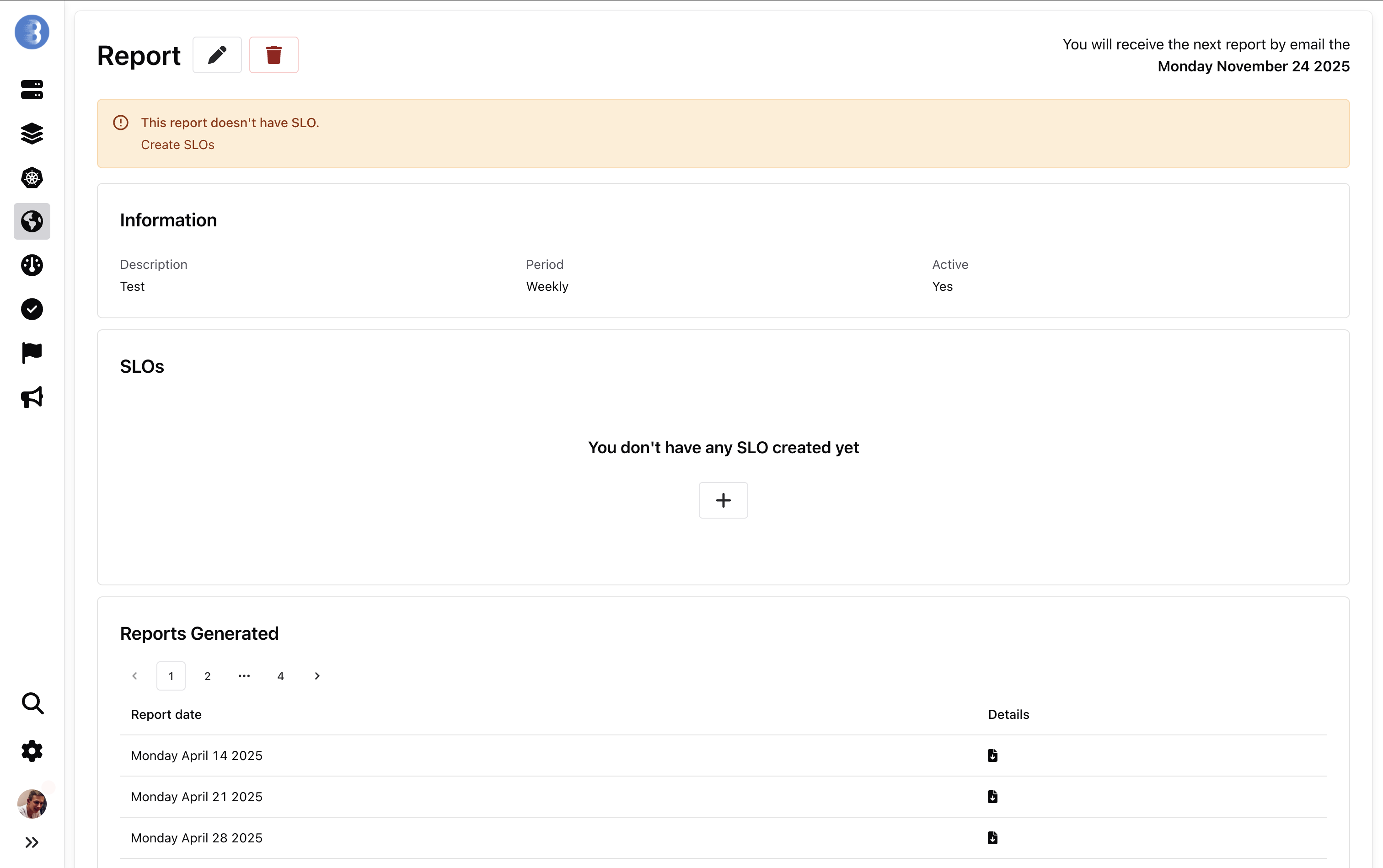
Service-Level Objectives (SLOs)
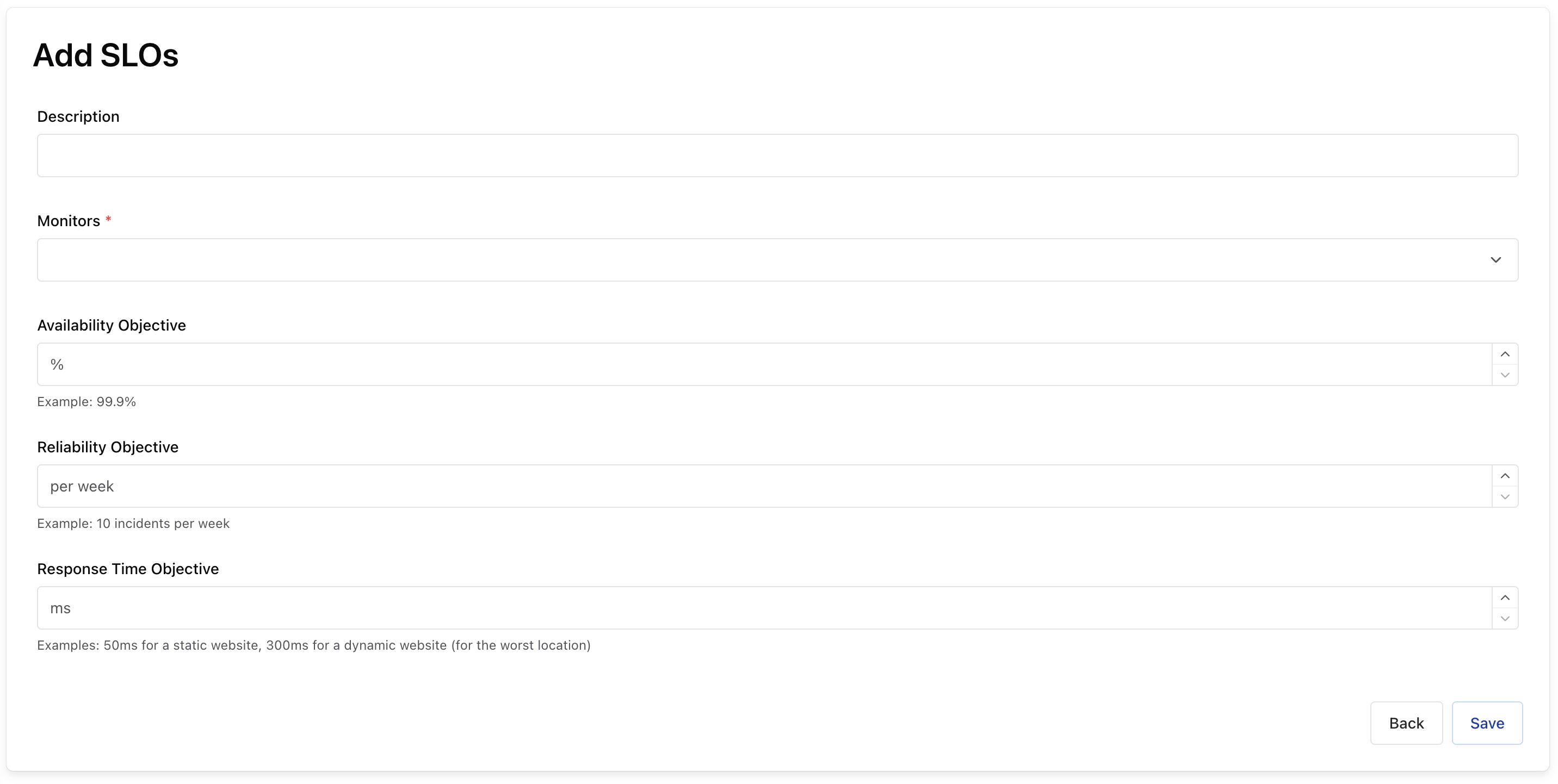
Section titled “Service-Level Objectives (SLOs)”A service-level objective (SLO) defines a measurable target for your service. Each SLO is linked to a single monitor. You can add an optional description for readability if the monitor URL is long.
Three types of objectives are available:
- Availability objective — percentage of time the service is reachable
- Reliability objective — percentage of successful checks
- Response time objective — maximum acceptable response time
For each SLO, the report includes a list of downtime incidents with start time, end time, and duration. The minimum detectable downtime depends on the monitor check interval of your current plan.
Example Report
Section titled “Example Report”Download a sample report to see the format: