Silences
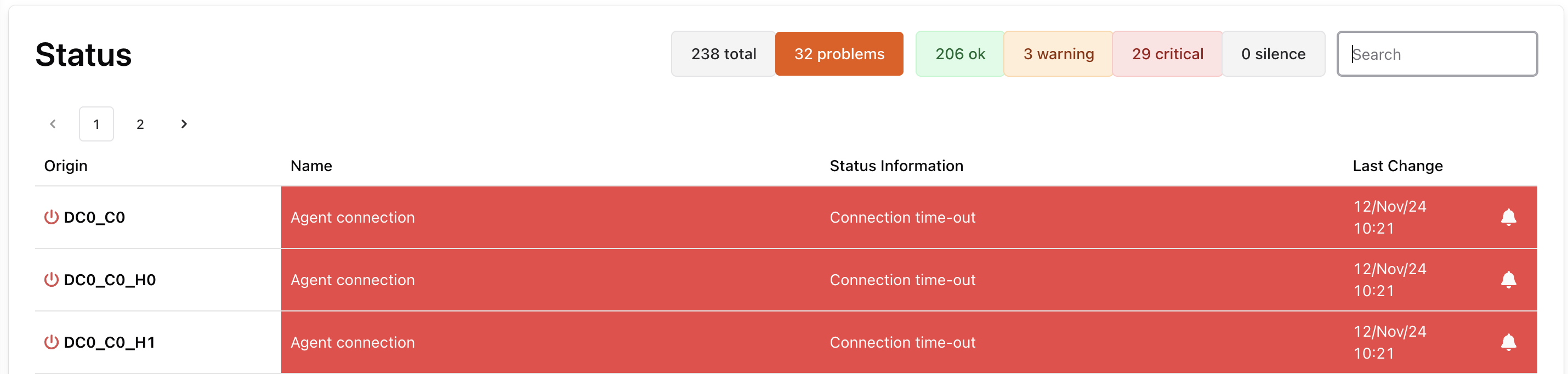
A silence is a setting that lets you pause notifications during a defined timeframe on a specific agent, a tag or a metric. You can create, edit, and delete silences from the notifications configuration section or from the status page by clicking on the bell icon.
This is an example of a dashboard view and you can see the silence button to the right of each metric
: 
Single Silence
Section titled “Single Silence”To create single silence
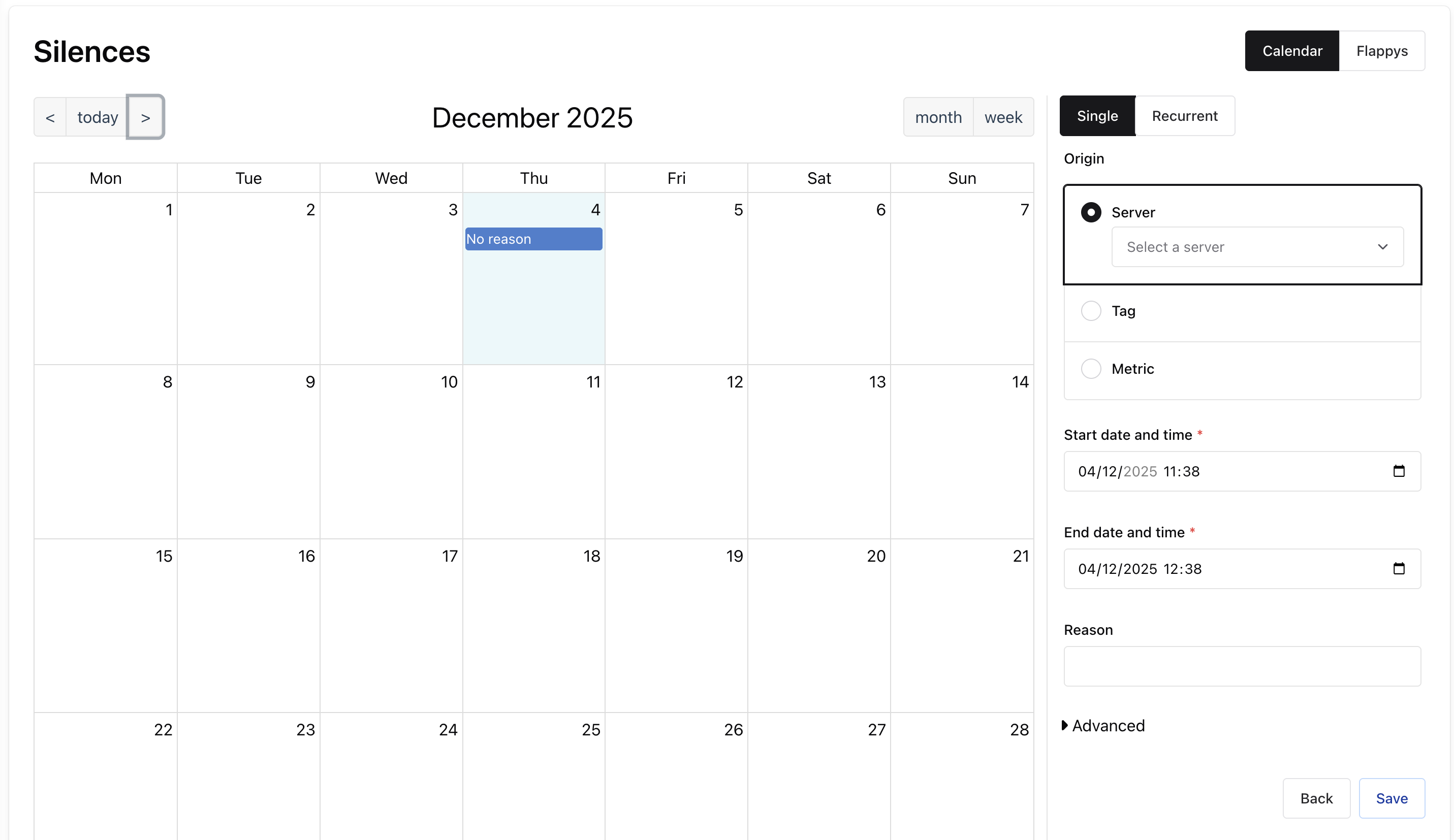
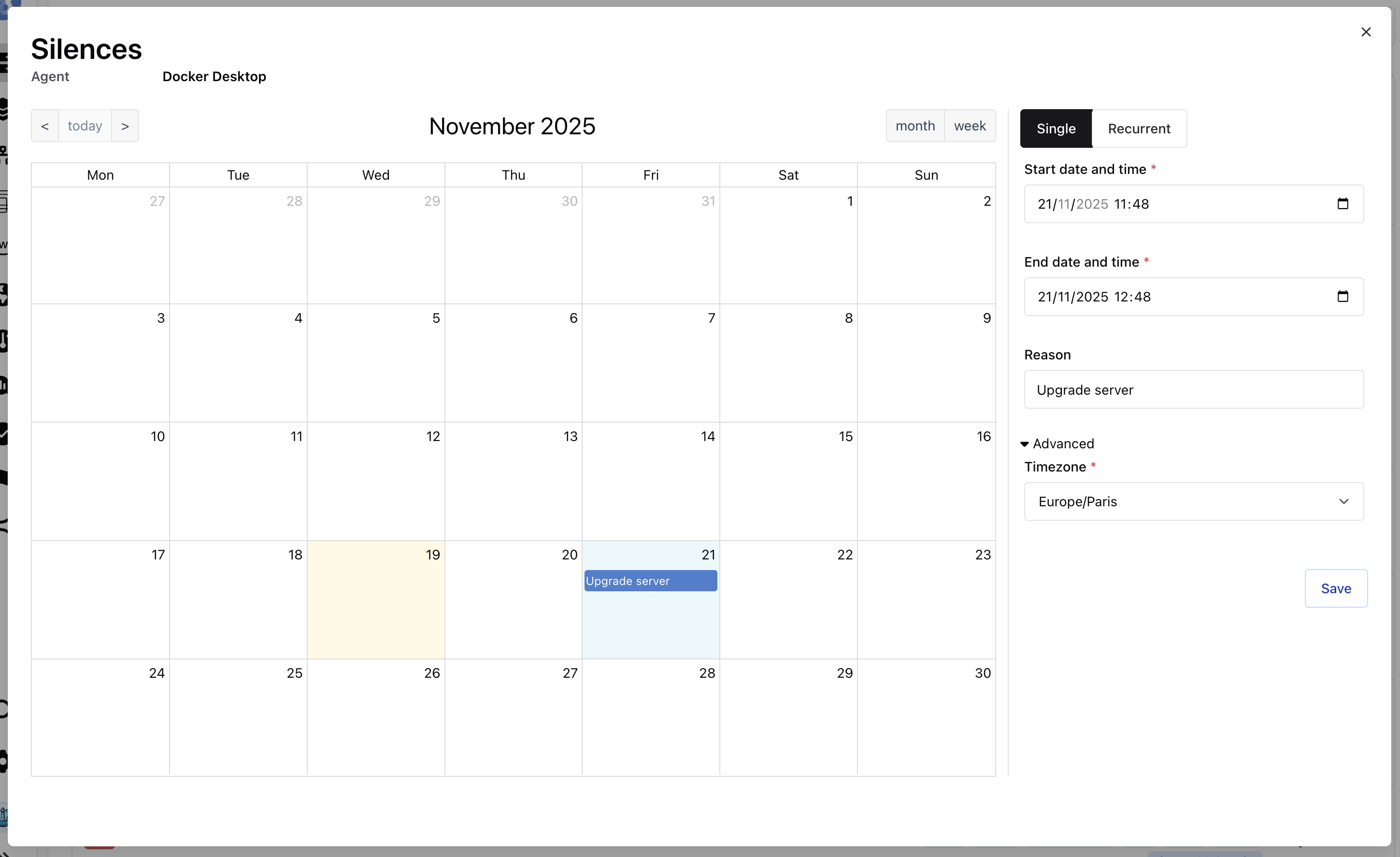
Section titled “To create single silence”To create a silence you click on the bell icon of the chosen metric or agent, and a page like this appears. You can click on the calendar to create a silence and you can fill the reason if you want.
To edit or delete single silence
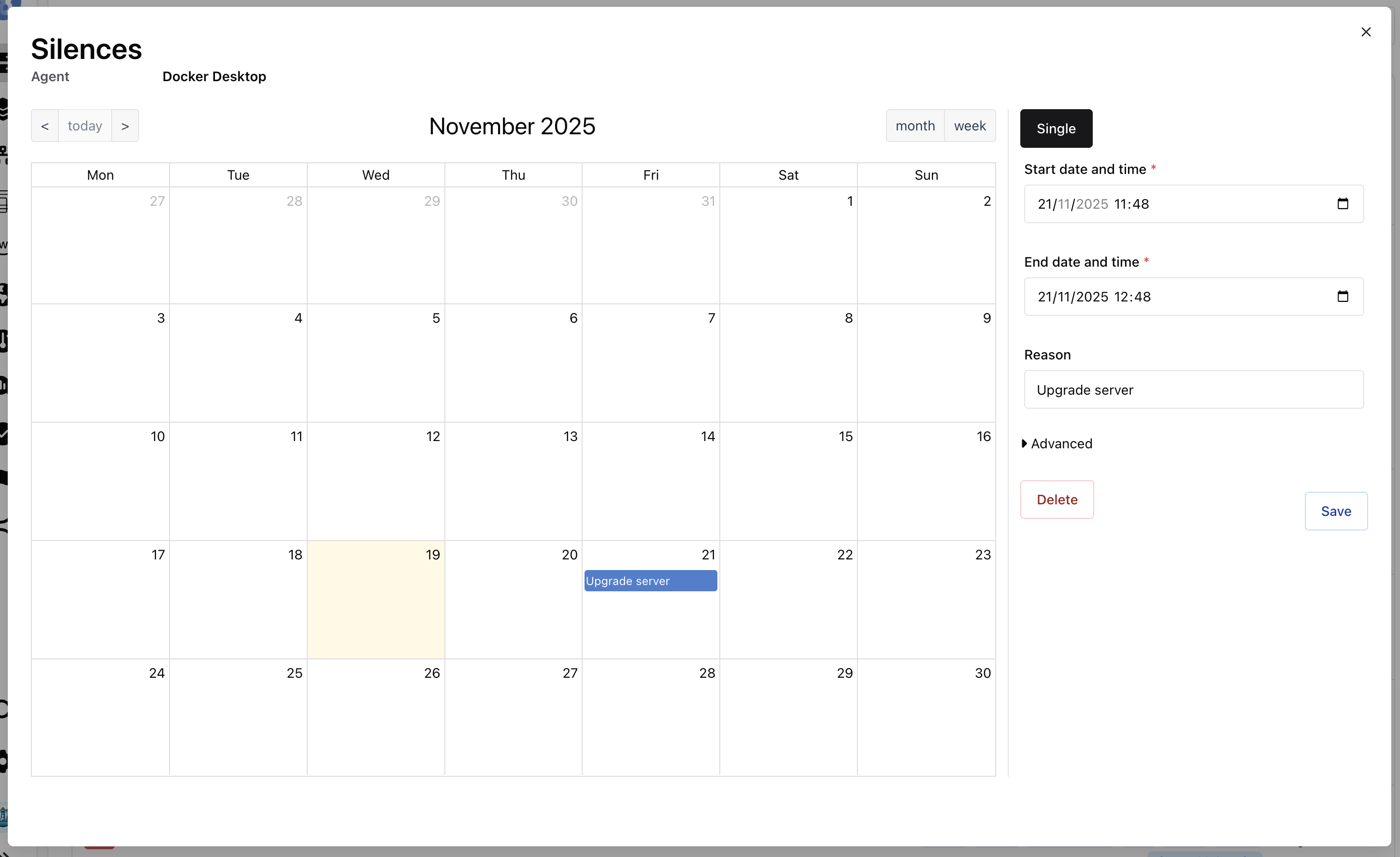
Section titled “To edit or delete single silence”To edit or delete a silence you click on the bell icon of the chosen metric or agent, then you click on an event on the calendar.
- If you want to edit you can update the reason, the start or end date of the silence. To save click on the Edit button.
- If you want to delete the silence you can click on the Delete button.
Recurrent Silence
Section titled “Recurrent Silence”A recurring silence lets you quickly create multiple silences that occur at the same time and/or day. For example to silence every week-end or every Monday morning.
To create recurrent silence
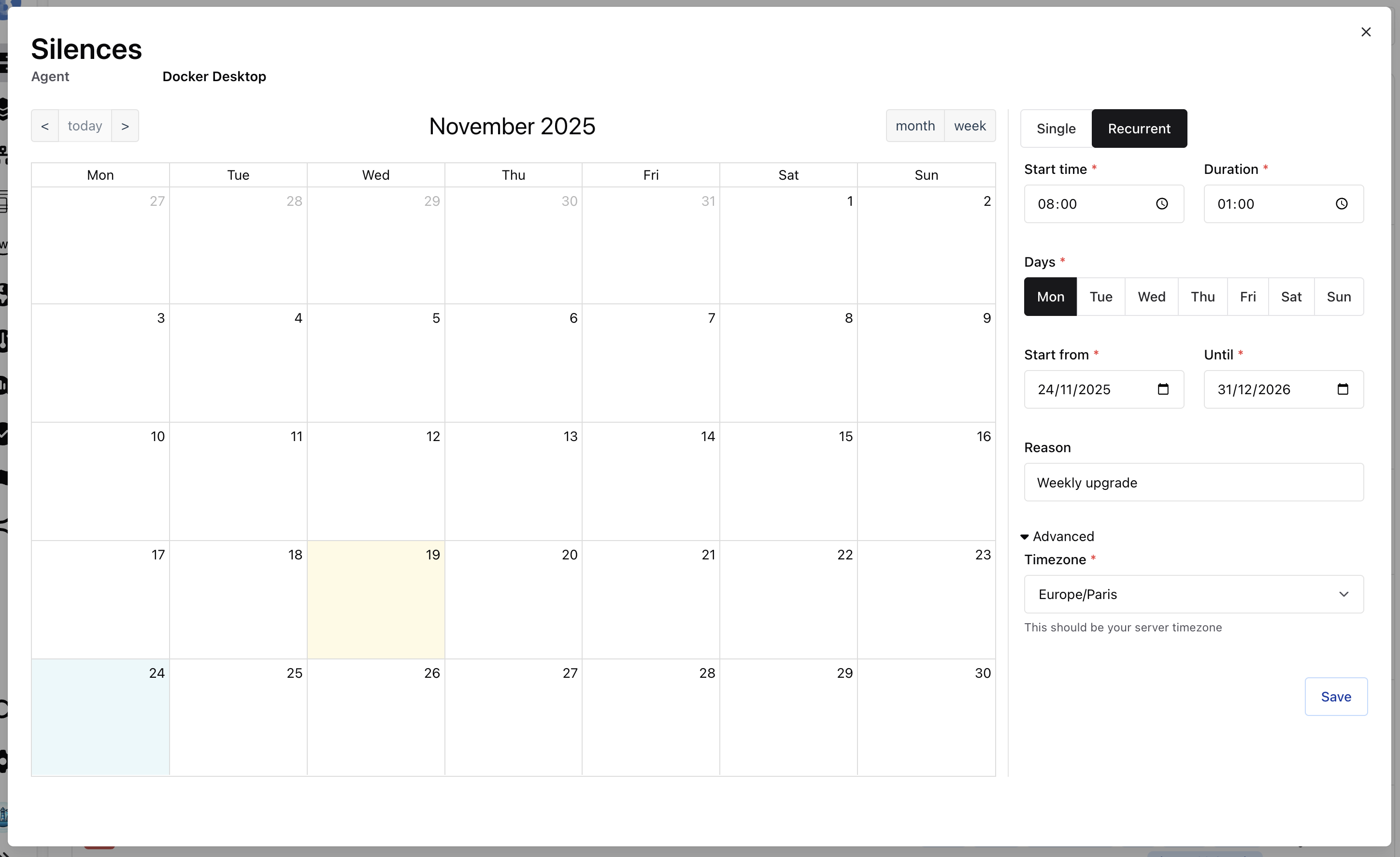
Section titled “To create recurrent silence”To create a recurrent silence you click on the bell icon of the chosen metric or agent, and a page like this appears. You can click on the calendar and the recurrent tab to create a recurrent silence.
You should fill multiple fields:
- start time: start time in the selected time zone of one silence occurrence
- duration: duration of one silence occurrence
- days: the days when the silence should occur
- start from: start date for the first silence occurrence
- until: end date for the last silence occurrence
To edit or delete recurrent silence
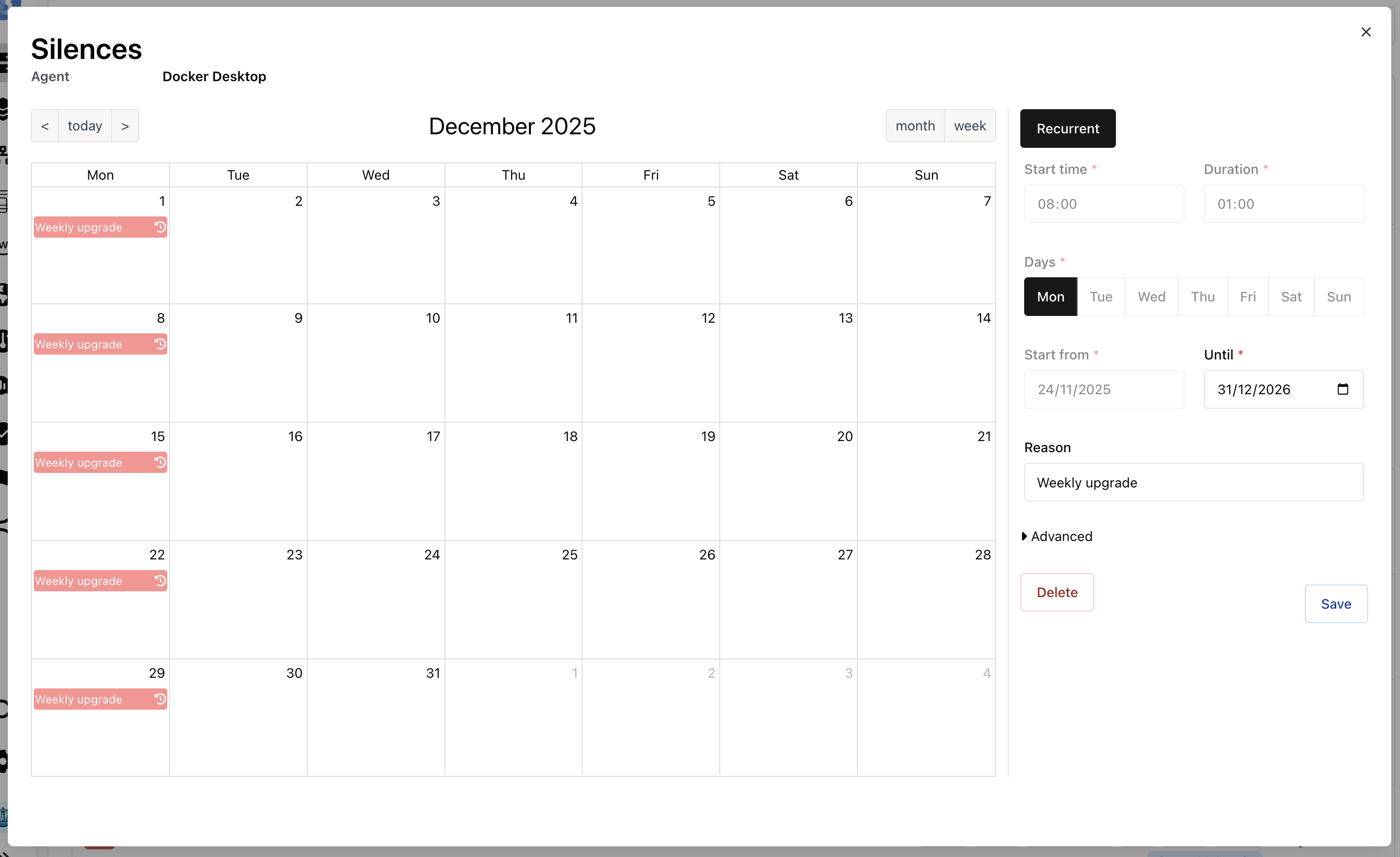
Section titled “To edit or delete recurrent silence”To edit or delete a recurrent silence you click on the bell icon of the chosen metric or agent, then you click on an event on the calendar.
- If you want to edit you can update the reason, the start or end date of the silence. To save click on the Edit button.
- If you want to delete the silence you can click on the Delete button.
Flappy Silence
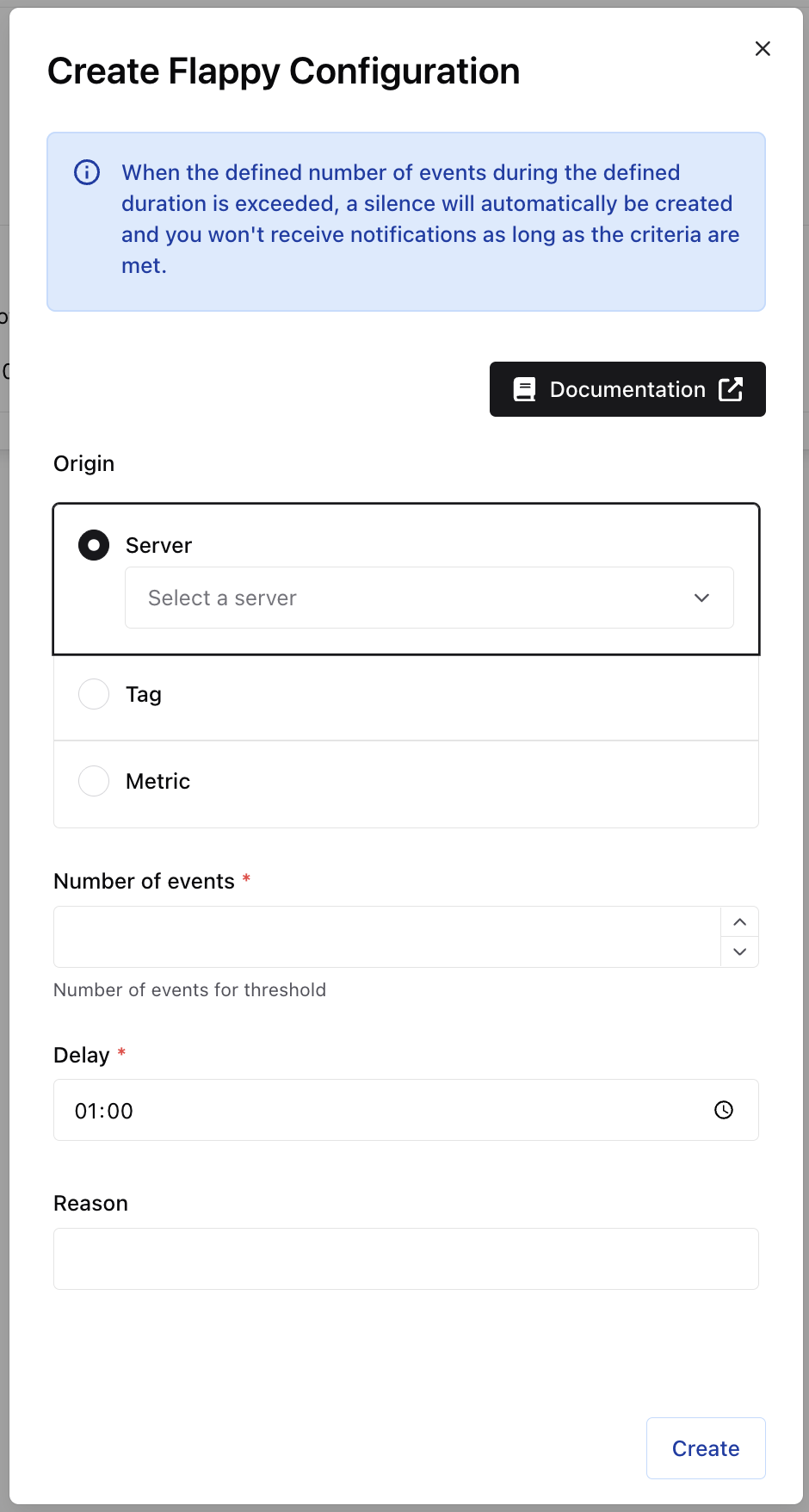
Section titled “Flappy Silence”Configuring a flappy lets you temporarily pause notifications automatically when you receive too many of them. You can configure:
- the number of events occurrence
- the time frame
- an agent, a tag, or a metric the events are related Notifications will resume automatically when the criteria (number of events during a time frame) are not met anymore.
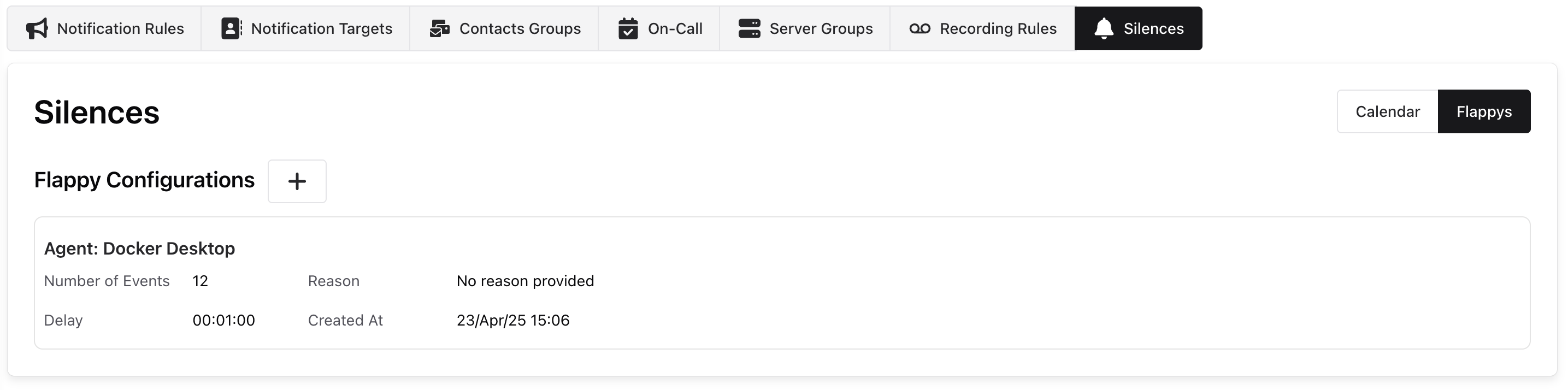
You can create Flappy configurations on this page: