VictorOps (Splunk On-Call)
Starter
Professional
Send Bleemeo alerts to Splunk On-Call (formerly VictorOps) for incident response. Use routing keys to direct alerts to the right teams and leverage on-call schedules for efficient incident management.
Learn more about VictorOps1
Get Your VictorOps Integration URL
- In VictorOps, go to Integrations → REST Generic
- If you haven’t enabled REST integration, enable it first
- Copy the URL to notify (it includes your API key)
- Note your Routing Key (or create a new one under Settings → Routing Keys)
For detailed instructions, see VictorOps REST endpoint guide.
2
Add the Integration in Bleemeo
- Go to the Integrations page in Bleemeo
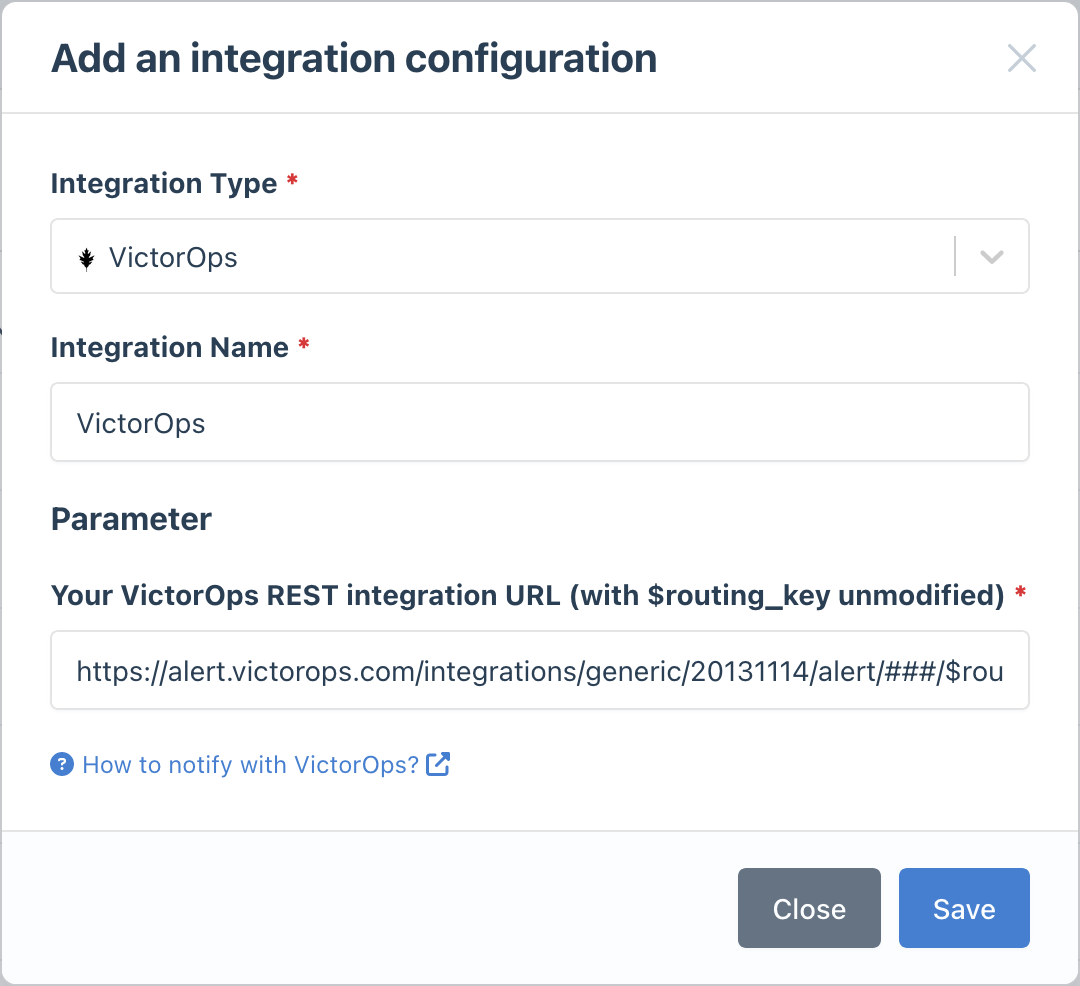
- Click Add Integration and select VictorOps
- Paste your VictorOps integration URL
- Give it a descriptive name
3
Configure Notification Rules
- Go to Notifications
- Create a new rule or edit an existing one
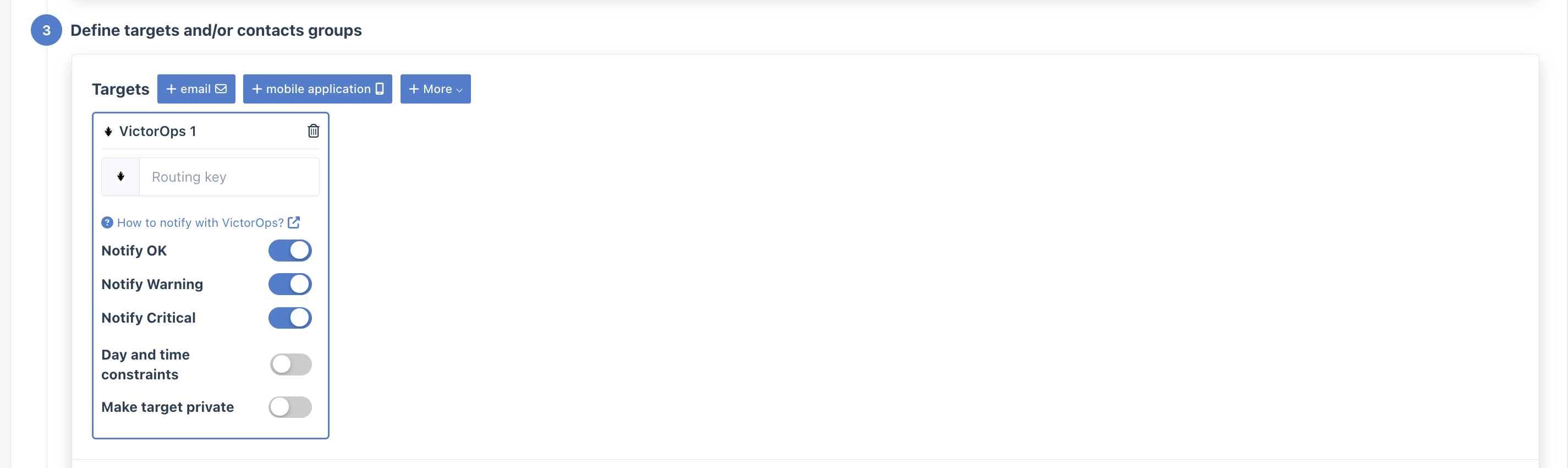
- In the Targets step, select your VictorOps integration
- Enter your routing key