

Telegram
Starter
Professional
Get Bleemeo alerts delivered instantly via Telegram. Receive notifications on your phone, desktop, or in group channels—wherever you use Telegram.
Learn more about Telegram1
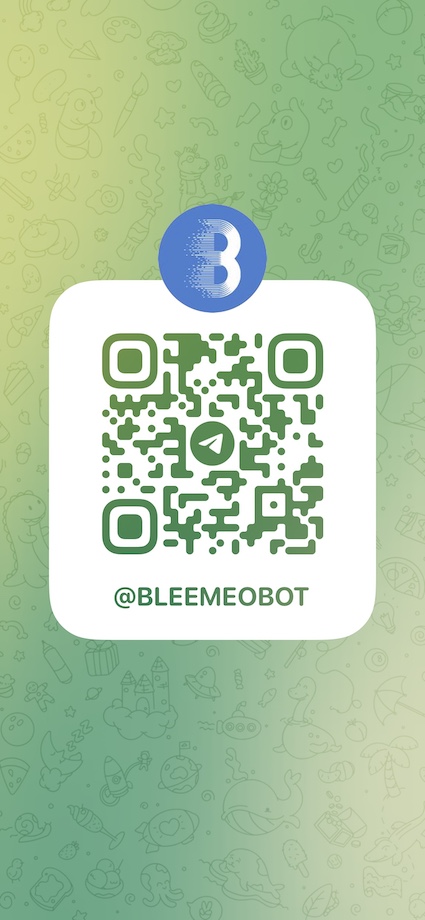
Start a Chat with BleemeoBot
- Open Telegram and search for @BleemeoBot, or scan this QR code:
- Start a conversation with the bot by clicking Start
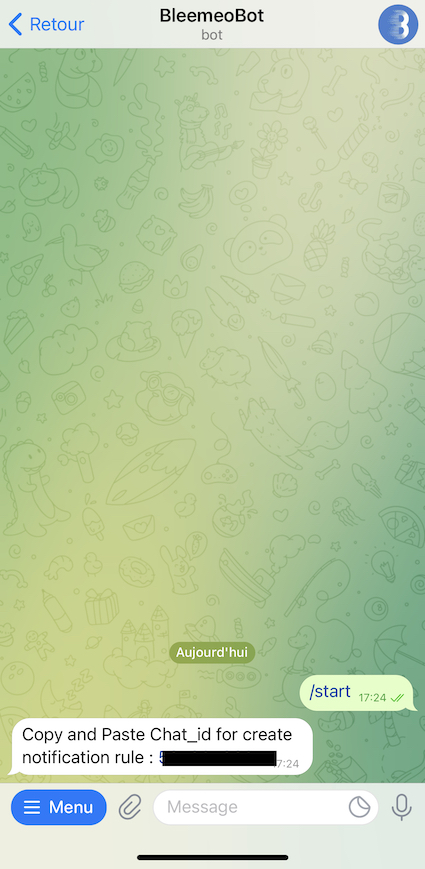
- The bot will reply with your chat_id—copy this number
2
Configure Notification Rules
- Go to Notifications in Bleemeo
- Create a new rule or edit an existing one
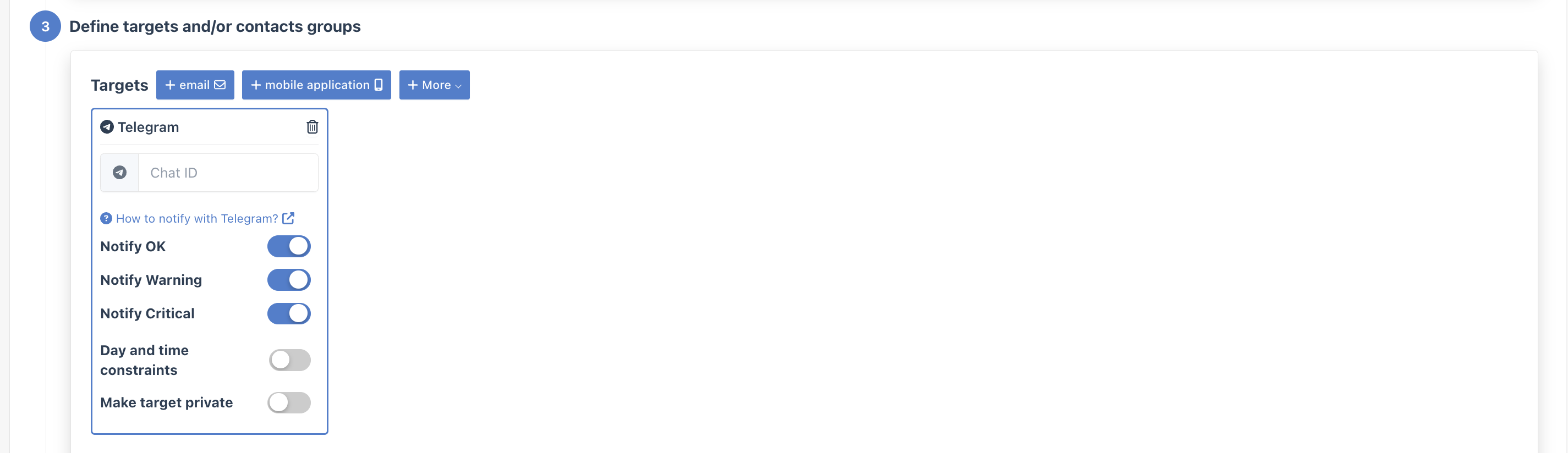
- In the Targets step, select your Telegram integration
- Paste your chat_id
Group Channel Notifications
Section titled “Group Channel Notifications”To receive alerts in a Telegram group:
- Add @BleemeoBot to your group
- Send any message in the group
- The bot will respond with the group’s chat_id
- Use this chat_id in your notification configuration