

Slack
Receive Bleemeo alerts directly in your Slack channels. Get notified instantly when issues occur, with rich formatting that makes alerts easy to read and act upon.
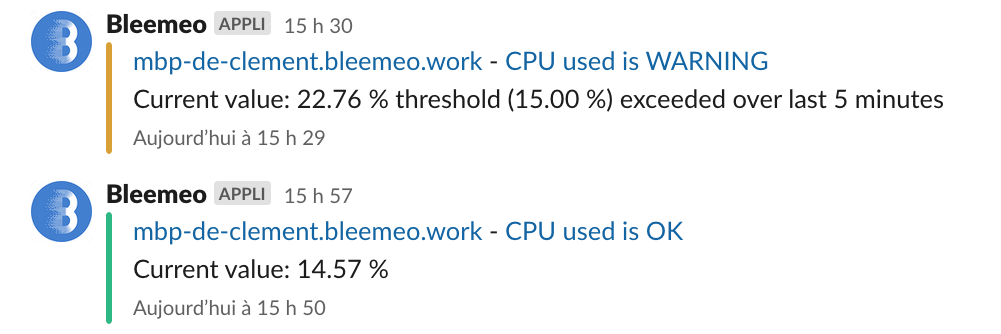
Learn more about SlackHere’s an example of how Bleemeo alerts appear in Slack:
Add Bleemeo to Your Slack Workspace
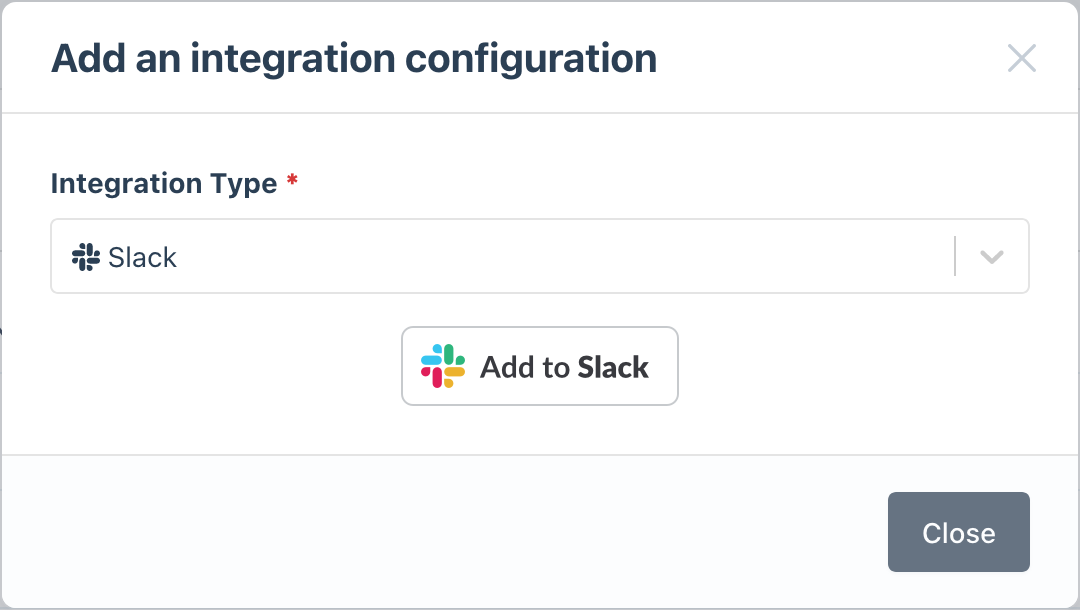
As a Bleemeo account administrator, go to the Integrations page and click Add to Slack:
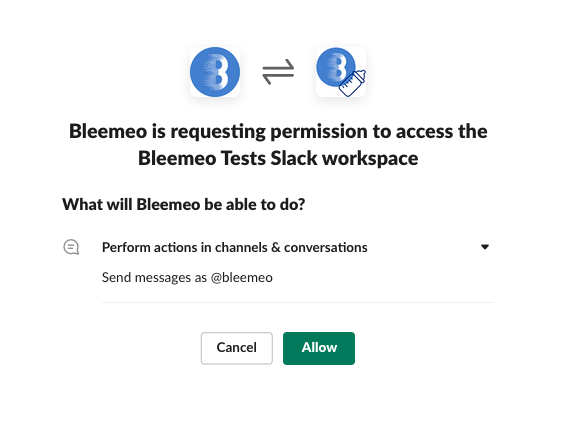
Authorize the Bleemeo app to post messages in your workspace. This is the only permission required:
Once authorized, the integration appears with your Slack workspace name.
Invite Bleemeo to Your Channels
In any Slack channel where you want to receive alerts, invite the Bleemeo bot:
/invite @BleemeoYou can add Bleemeo to multiple channels for different types of alerts (e.g., #ops-critical, #dev-alerts).
Configure Notification Rules
Set up which alerts go to which channels:
- Go to Notifications in Bleemeo
- Create a new rule or edit an existing one
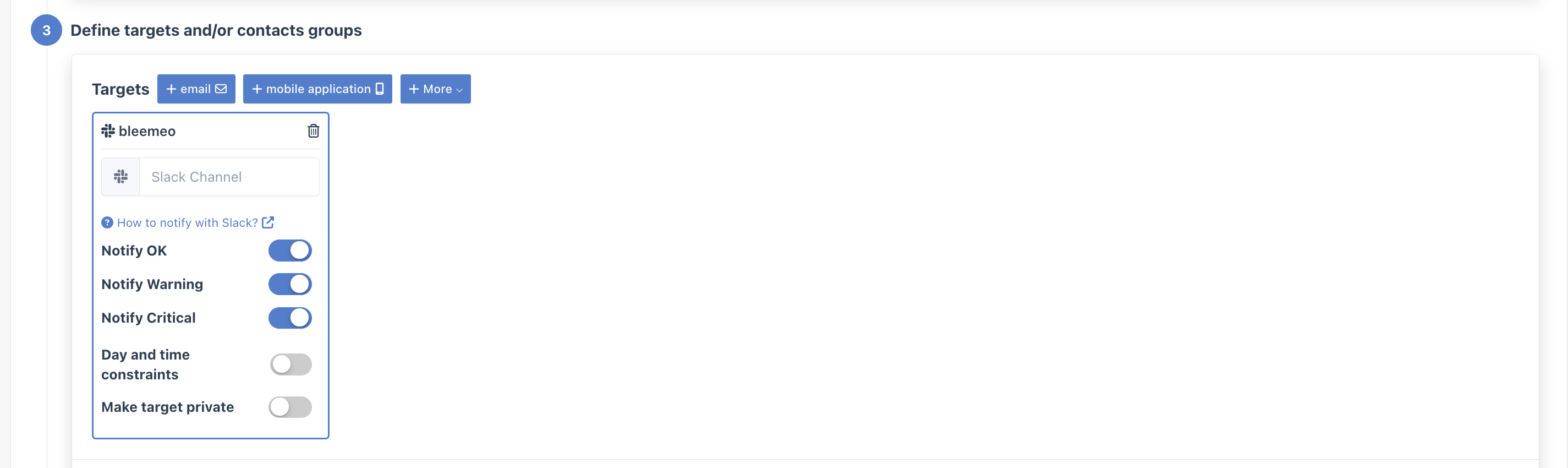
- In the Targets step, select your Slack workspace
- Enter the channel name (e.g.,
#alerts)
Test Your Setup
Verify everything works by clicking the Test button on your notification rule in the Notifications page. You should receive a test message in your Slack channel within seconds.