

Bleemeo Mobile Application
Free
Starter
Professional
Get instant push notifications on your smartphone when infrastructure issues occur. Monitor your systems on the go and respond to incidents from anywhere.
1
Install the Bleemeo App
Download the Bleemeo mobile app for your device:
- Google Play Store (Android)
- Apple App Store (iOS)
Sign in with your Bleemeo account credentials to access your dashboards and receive notifications.
2
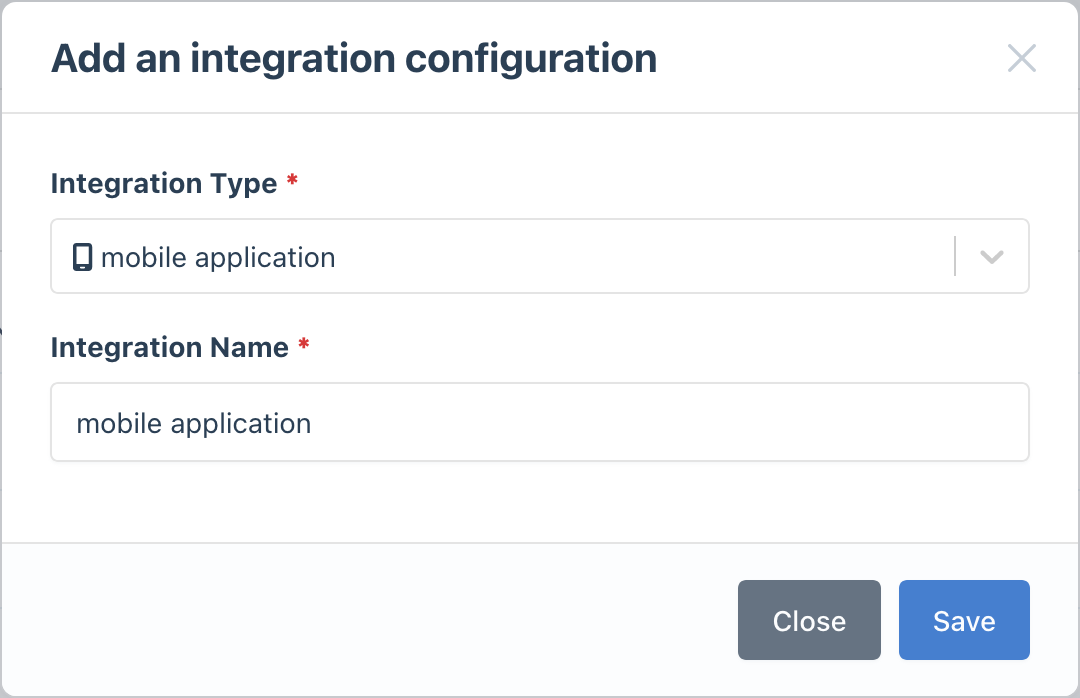
Create an Integration (Optional)
A default Mobile App integration is already available. To create additional integrations:
- Go to the Integrations page
- Click Add Integration and select Bleemeo Mobile App
- Give it a descriptive name
3
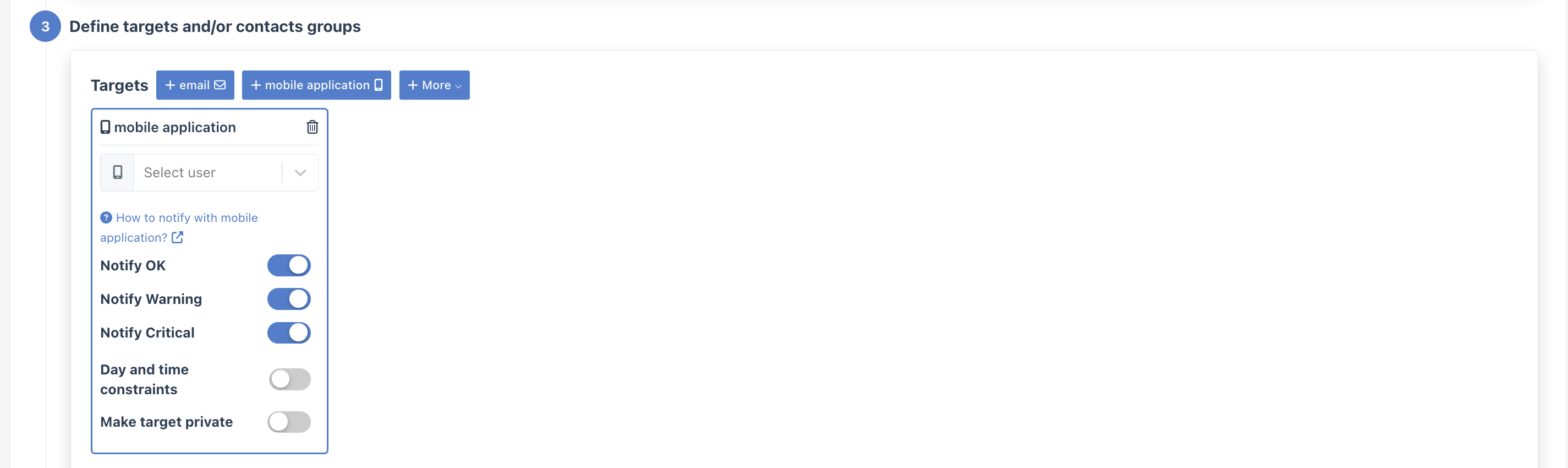
Configure Notification Rules
- Go to Notifications
- Create a new rule or edit an existing one
- In the Targets step, select your Mobile App integration
- Enter the Bleemeo username of the person who should receive notifications
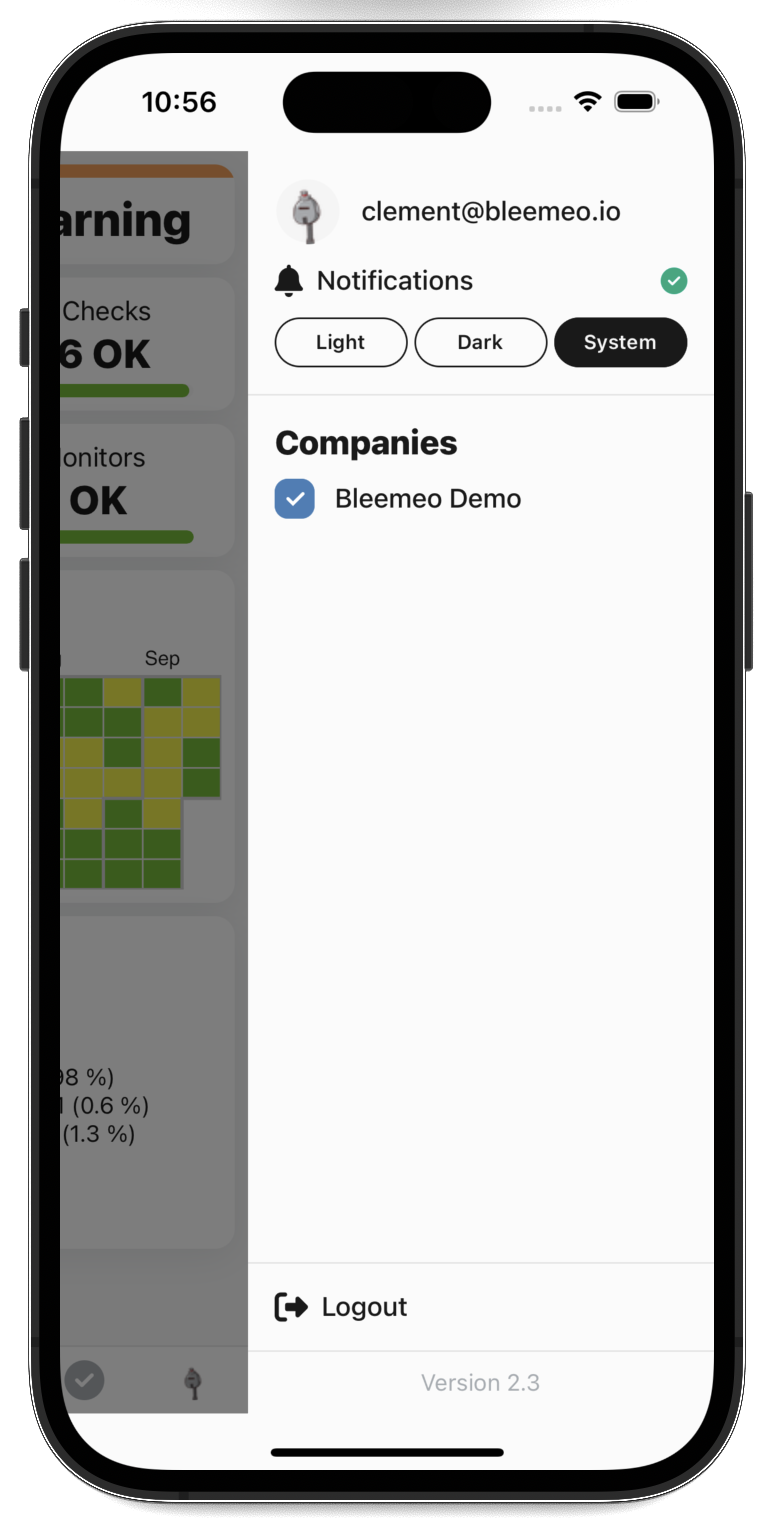
- Enable notifications: Make sure push notifications are enabled for the Bleemeo app in your device settings
- Multiple users: Create separate notification rules for each team member who needs alerts
- Use with other channels: Combine mobile push with email or Slack for redundancy on critical alerts