

Free
Starter
Professional
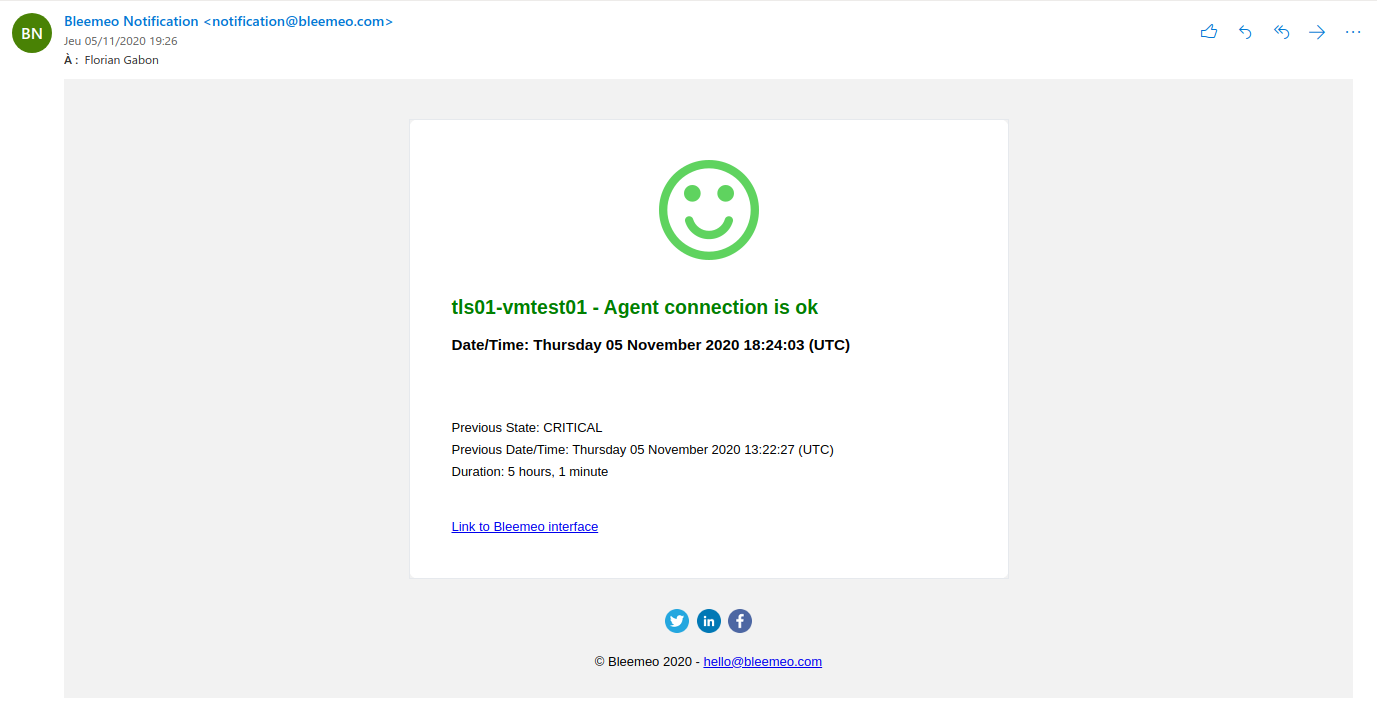
Email is the most reliable way to receive alerts. Bleemeo sends well-formatted notifications to any email address—individual accounts, distribution lists, or shared inboxes.
Here’s an example of a Bleemeo alert email:
1
Create an Email Integration (Optional)
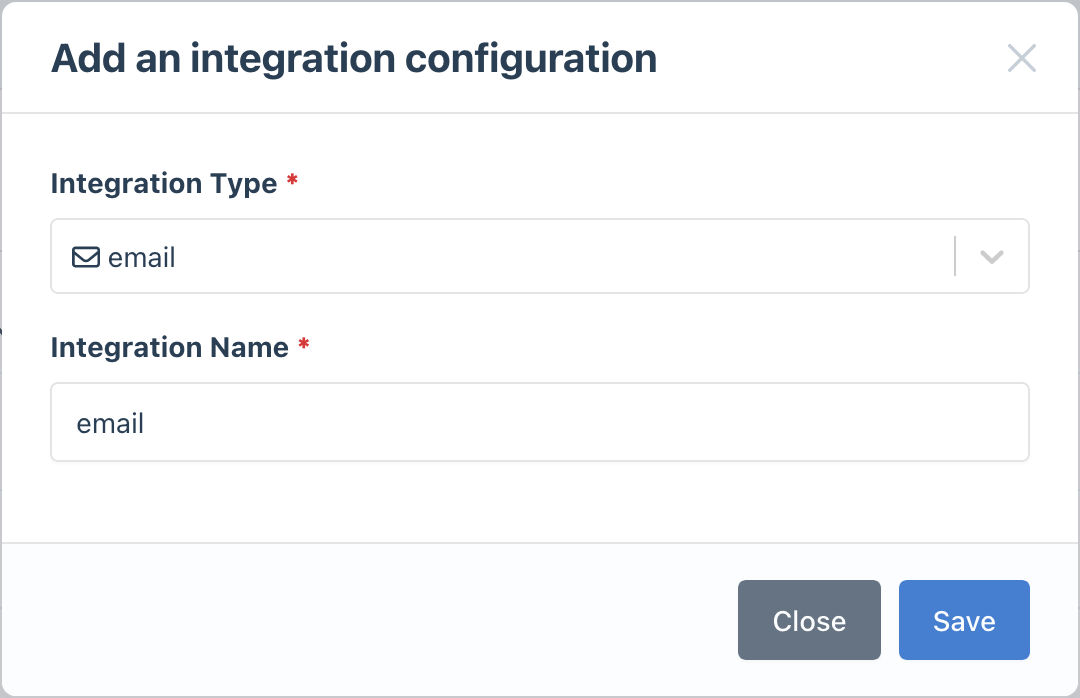
If you need additional email integrations with different settings, create one in the Integrations page:
- Click Add Integration
- Select Email as the type
- Give it a descriptive name (e.g., “Operations Team Email”)
2
Configure Notification Rules
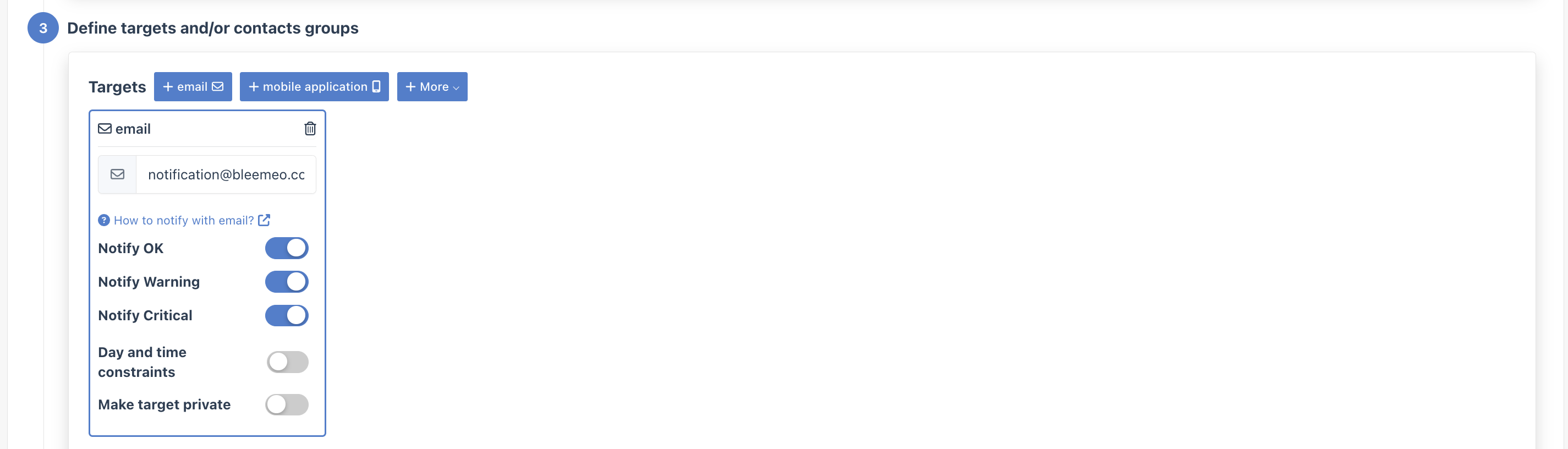
Set up who receives which alerts:
- Go to Notifications
- Create a new rule or edit an existing one
- In the Targets step, select your email integration
- Enter the recipient email address
Tips for Email Notifications
Section titled “Tips for Email Notifications”- Use distribution lists: Instead of individual emails, use a team distribution list (e.g.,
ops-team@company.com) so alerts reach the right people even when someone is out - Create filters: Set up email filters or rules to organize Bleemeo alerts into dedicated folders
- Combine with other channels: Use email as a backup alongside real-time channels like Slack for critical alerts